
What Is Delegate and Elevate?
Delegate and Elevate is an EOS Tool that helps you identify which activities to delegate so you can spend more time doing work you love and are great at.
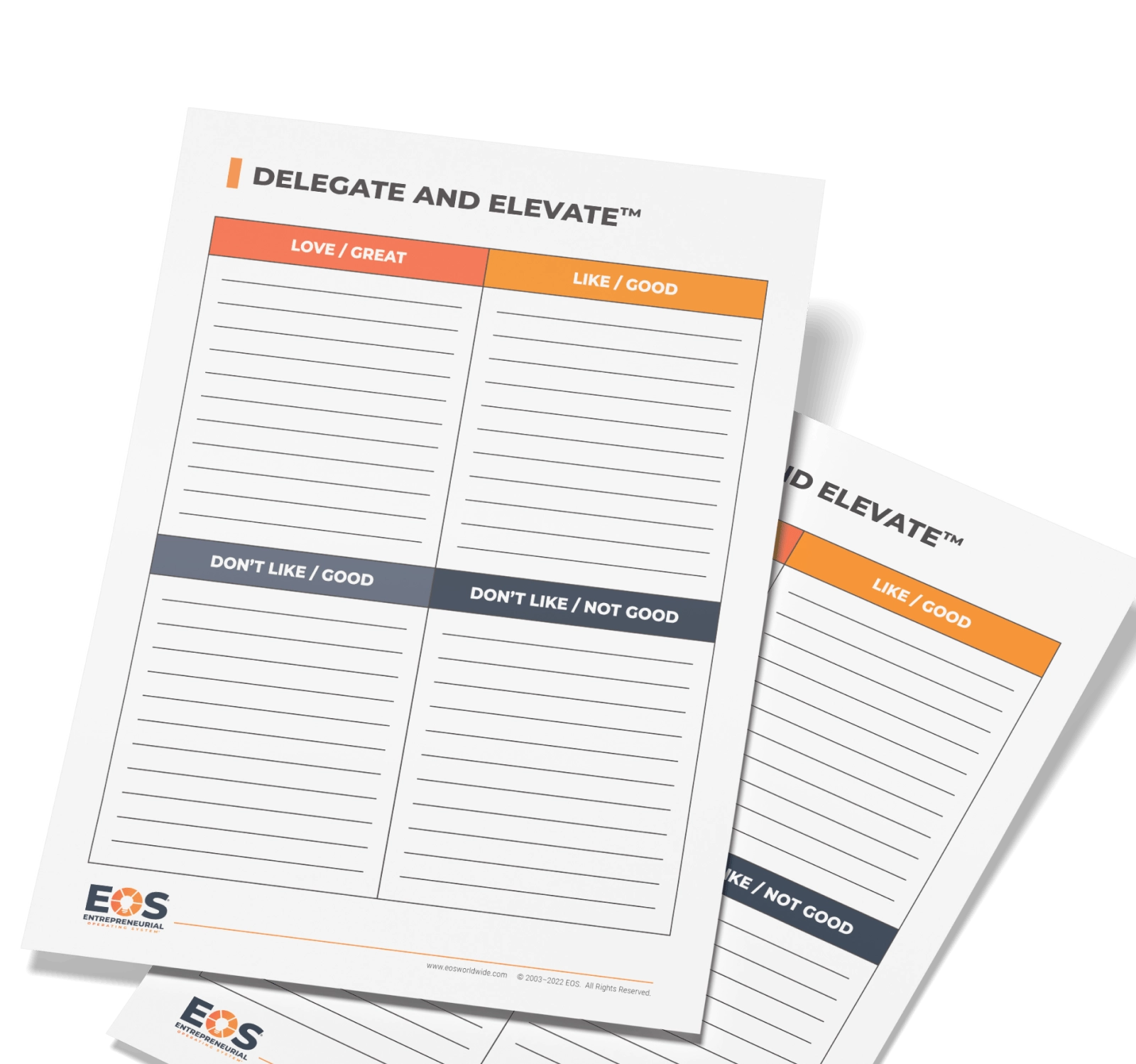
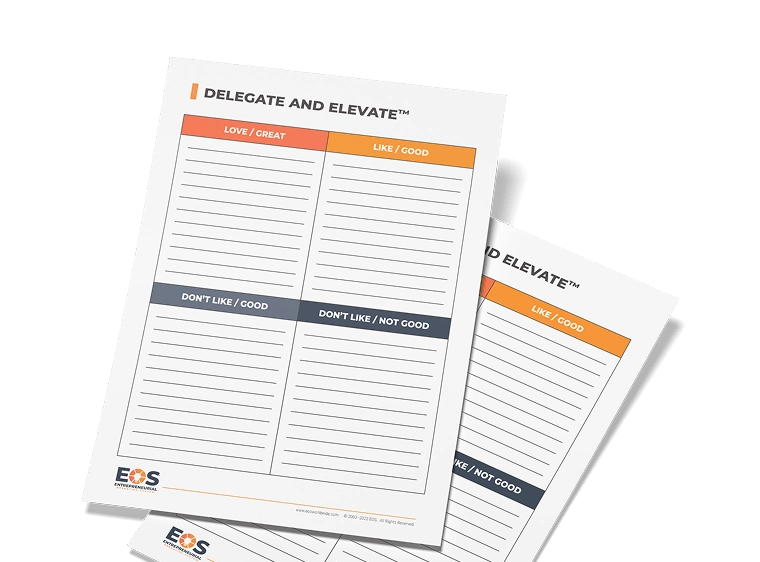
You sort your activities into four quadrants based on enjoyment and ability. Delegating work from the bottom two quadrants creates more time for work in the top two, helping you create enough capacity to do your job well.
Why Use the Delegate and Elevate Tool?
As your business grows, activities you have always handled can keep you from leading your people and doing the work that makes the best use of your strengths. This tool helps you and your people create enough time to do your jobs well.
Delegate and Elevate helps you:
- Identify activities you or your staff need to delegate
- Recognize when someone does not have enough time to do their job well
- Help people spend more time on work they enjoy and do well
- Create more time to lead, manage, and support your team

ELEVATE
Love/Great
Work you love, are great at, and find energizing and fulfilling.
Like/Good
Work you enjoy and do well.
DELEGATE
Don’t Like/Good
Work you do well but don’t enjoy or find fulfilling.
Don’t Like/Not Good
Work you neither enjoy nor do well.
What Are the Four Delegate and Elevate Quadrants?
The four quadrants are Love / Great, Like / Good, Don’t Like / Good, and Don’t Like / Not Good. Sort activities based on the enjoyment and ability of the person doing the work.
How to Decide What to Delegate:
Start with Don’t Like / Not Good, then work toward delegating Don’t Like / Good. Being good at an activity is not, by itself, a reason to keep it.
How Do You Use Delegate and Elevate?
Use the worksheet to see where your time is going, what needs to come off your plate, and where you should spend more of your energy.
List Your Activities
Write down everything you actually do daily, weekly, and monthly. Be specific: hiring interviews, sales calls, invoice approvals, strategic planning, or one-on-ones rather than “management work.”
Include the leadership and management responsibilities that come with your seat.
Review Your Time Capacity
Compare the hours you have available each week with the time it takes to do your job well.
If your responsibilities require 60 hours and you only have 50 available, you need to free up at least 10 hours.
Fill the Four Quadrants
Place each activity in Love / Great, Like / Good, Don’t Like / Good, or Don’t Like / Not Good based on how much you enjoy it and how well you do it.
Be honest. Being experienced or good at something does not automatically mean it belongs in your top two quadrants.
Delegate and Elevate
Make a plan for the activities in your bottom two quadrants. Decide who will take them on, what training or support they need, when the handoff will happen, and what success looks like.
You can also eliminate, simplify, or automate work from the bottom two quadrants. As you create capacity, spend more time in your top two quadrants, especially on work you love and are great at.
How to Get More From Delegate and Elevate
Make Progress Every Quarter
At least once per quarter, delegate, eliminate, or automate one activity from your bottom two quadrants. Keep creating capacity instead of treating Delegate and Elevate as a one-time exercise.
Use It to Inform Your Next Hire
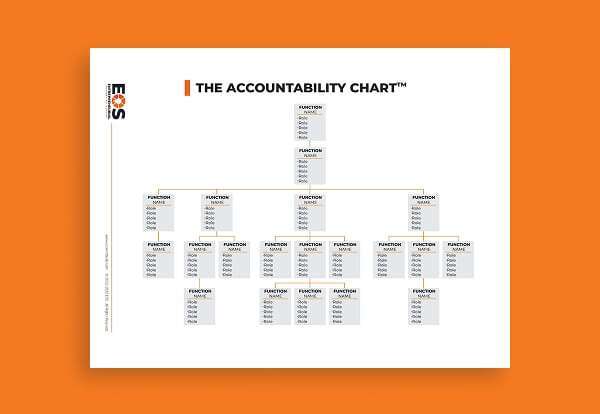
Look at the work that still needs to come off your plate. Those activities can help clarify what an additional person or seat may need to own. Use your Accountability Chart to keep the accountabilities clear.
Know the 80 Percent Guidance for Leaders
At least 80 percent of the listed activities involving your direct reports should fall in Love / Great and Like / Good combined. This assesses your enjoyment and ability in leading and managing activities, not the percentage of your working hours spent in the top two quadrants.
Source: How to Be a Great Boss
How Can Leaders Use Delegate and Elevate With Their Staff?
Use Delegate and Elevate to help your direct reports create capacity, not simply find someone to take more work off your plate. Have each person complete their own worksheet, then review it together to:
- Check whether they have enough time to fulfill the responsibilities of their seat.
- Identify work that fits their strengths and activities they need to let go of.
- Agree on changes and keep accountabilities clear.
Work in one person’s bottom two quadrants may belong in someone else’s top two. Look for those opportunities without shifting the overload from one person to another.

How Does Delegate and Elevate Connect to EOS?
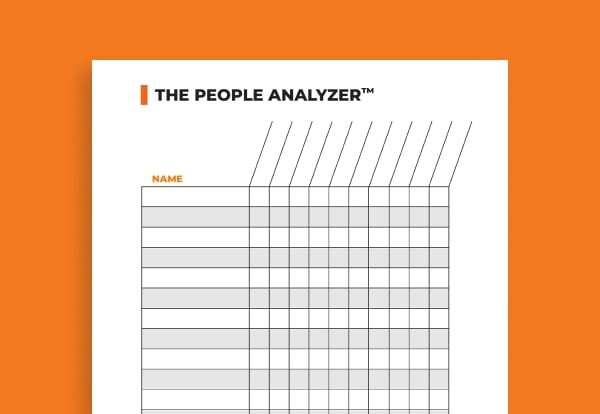
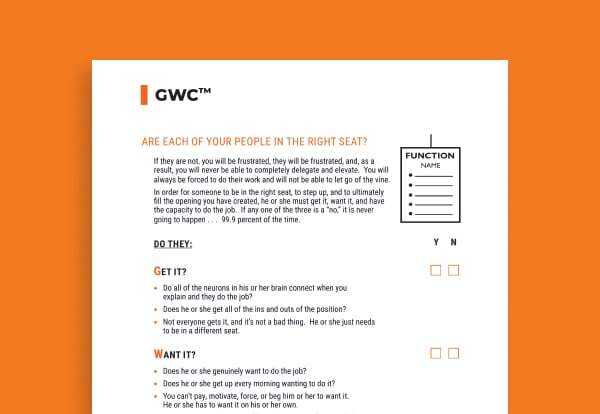
Delegate and Elevate works with other EOS Tools to help you let go while keeping roles, expectations, and accountability clear.
The EOS Toolbox
Download the Free Delegate and Elevate Tool
Create more capacity for yourself and your team to focus on work you love and do best.
Want to Go Deeper?
Explore simple, practical EOS resources to help you get more from the tools.